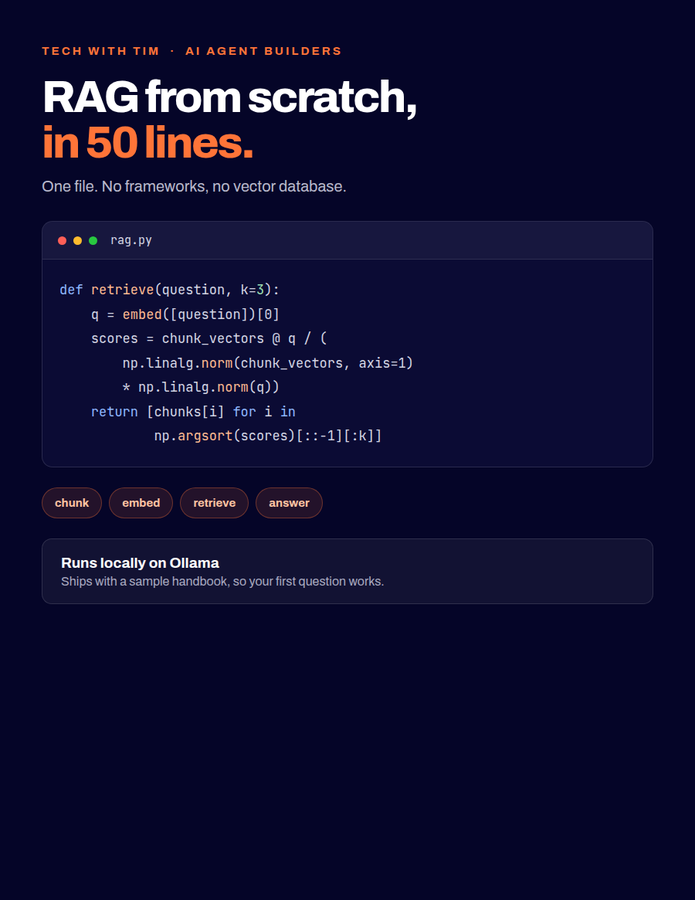
The RAG From Scratch Code
The full RAG script from the video. No frameworks, no vector database.
 Join free
Free for viewers
 Tim RuscicaTech With Tim
Every file, cheat sheet, and template Tim builds to go with a video. All free. All in one place inside AI Agent Builders, the free community he runs for people learning to build AI agents.
Free. About 30 seconds. No card.
7 resources
The full RAG script from the video. No frameworks, no vector database.
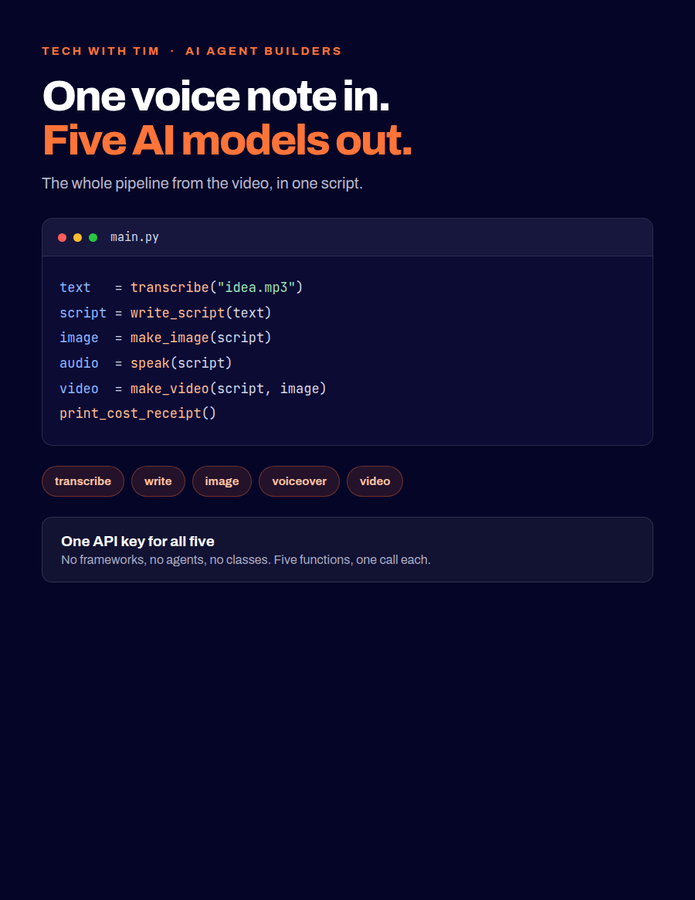
The whole pipeline from the video, in one Python script.
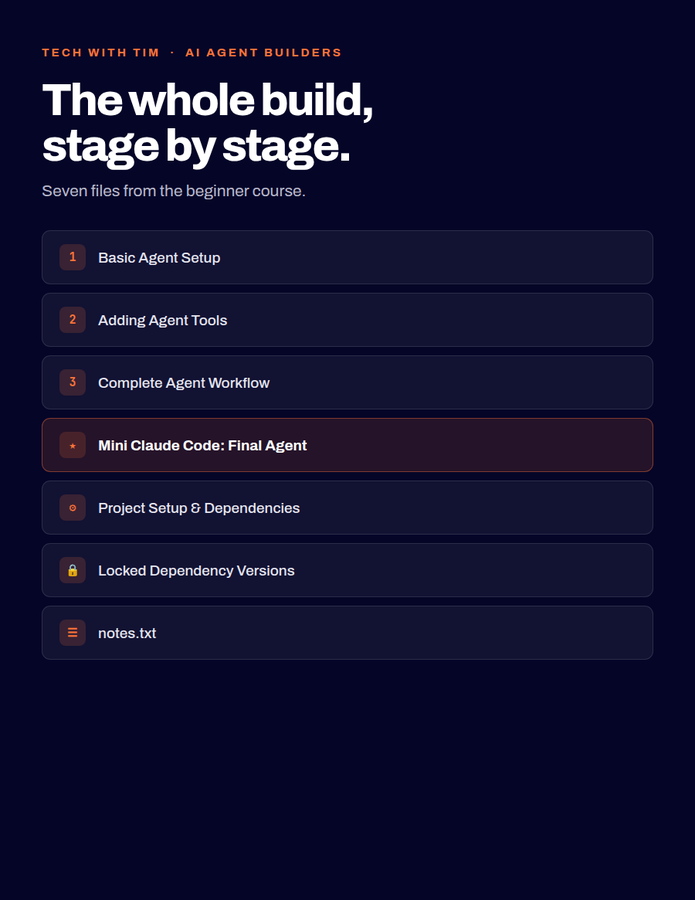
Download the finished Python project. Run it, inspect it, and build on it.
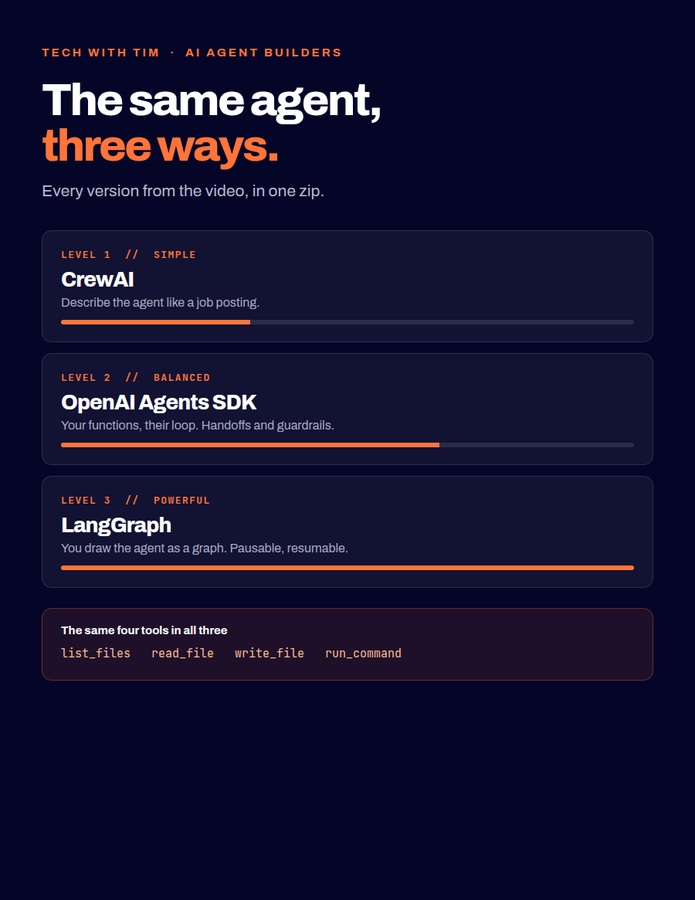
CrewAI, Agents SDK, and LangGraph, side by side in one zip.
Three stages plus the finished agent. Download and run.
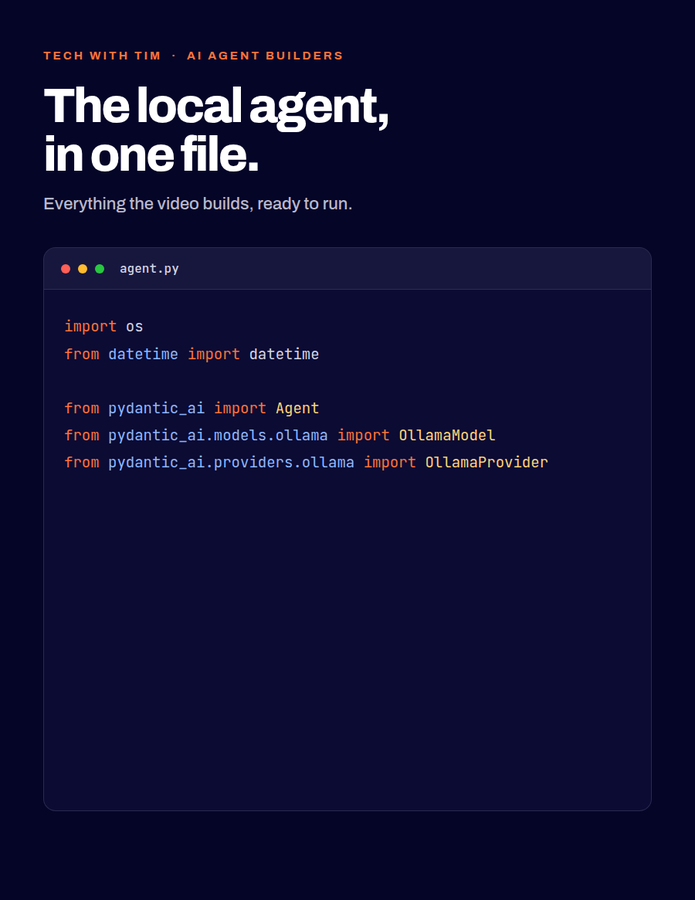
Download agent.py and run it. Nothing to reassemble.
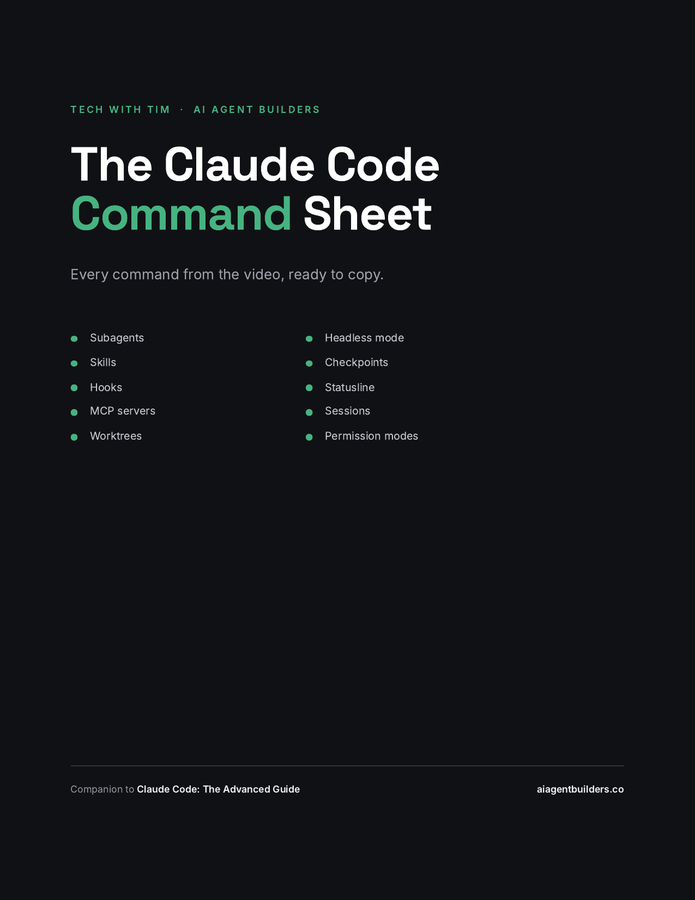
Copy and paste them. Stop re-watching to find one flag.
Where the files live
Every download sits in one place inside the community, in a section called YouTube Resources & Downloads. Join once and you have all of them, plus the Zero-to-Agent Method and everyone else building alongside you.
About thirty seconds. No card.
Joining drops you on the community front page rather than on the files, so this is the one step worth remembering.